
How I Work
Designing a high-performing YouTube thumbnail requires more than creativity. My workflow focuses on understanding the video, creating a strong visual hook, and crafting thumbnails that stop viewers from scrolling and make them click.
Contact Me
Understanding the Video
Every great thumbnail starts with understanding the video. I analyze the content, the target audience, and the key moment that will attract attention the most.
The goal is to identify the strongest visual idea that will make viewers curious and encourage them to click on the video.


Creating the Concept
Once the idea is clear, I start building the visual concept. This includes selecting strong colors, expressive faces, bold text, and visual elements that highlight the main story of the video.
The goal is to communicate the video's message instantly while making the thumbnail stand out in a crowded YouTube feed.
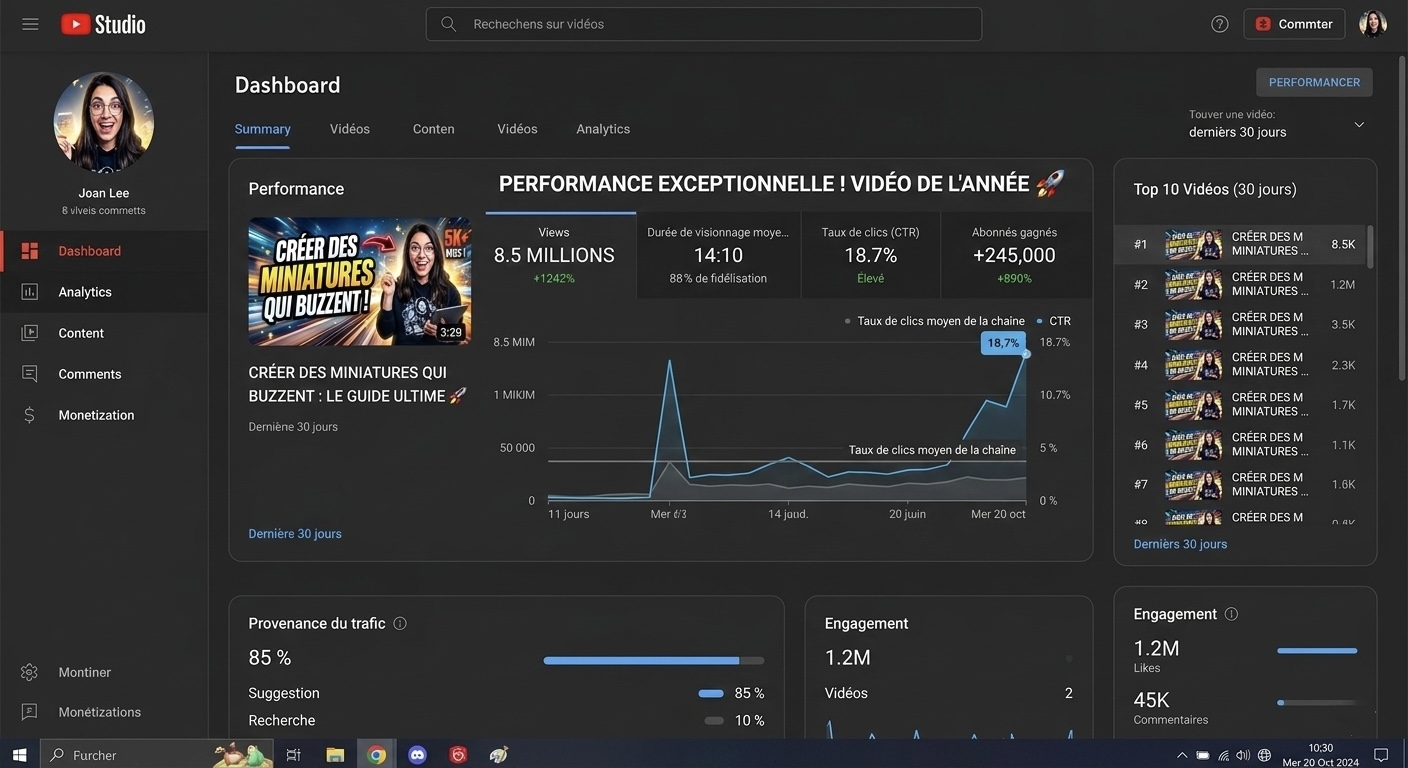

Designing the Thumbnail
Using professional tools such as Photoshop and Canva, I craft the final thumbnail with strong contrast, clear typography, and impactful composition.
Each element is carefully placed to guide the viewer’s eye and create a visual hook that makes people stop scrolling.
Final Result
The final thumbnail is optimized to perform well on both desktop and mobile screens. It is designed to remain clear, engaging, and visually striking even at smaller sizes.
My goal is simple: create thumbnails that increase click-through rates and help content creators grow their channels.
